

Pair with Find My
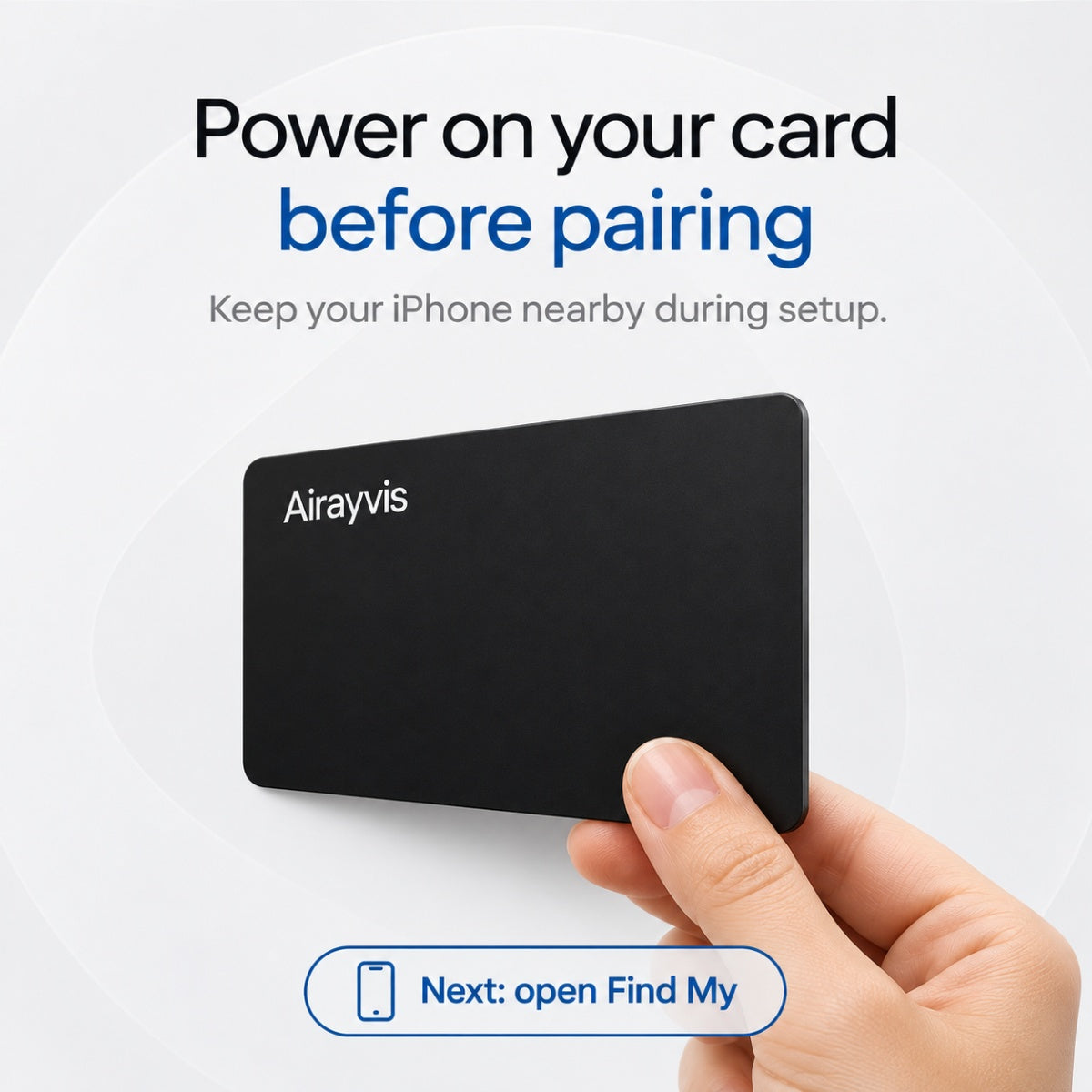
- Turn on the card near your iPhone.
- In Find My, open Items, tap +, then choose Add Other Item.
- Name the card for the item it travels with and test Play Sound.
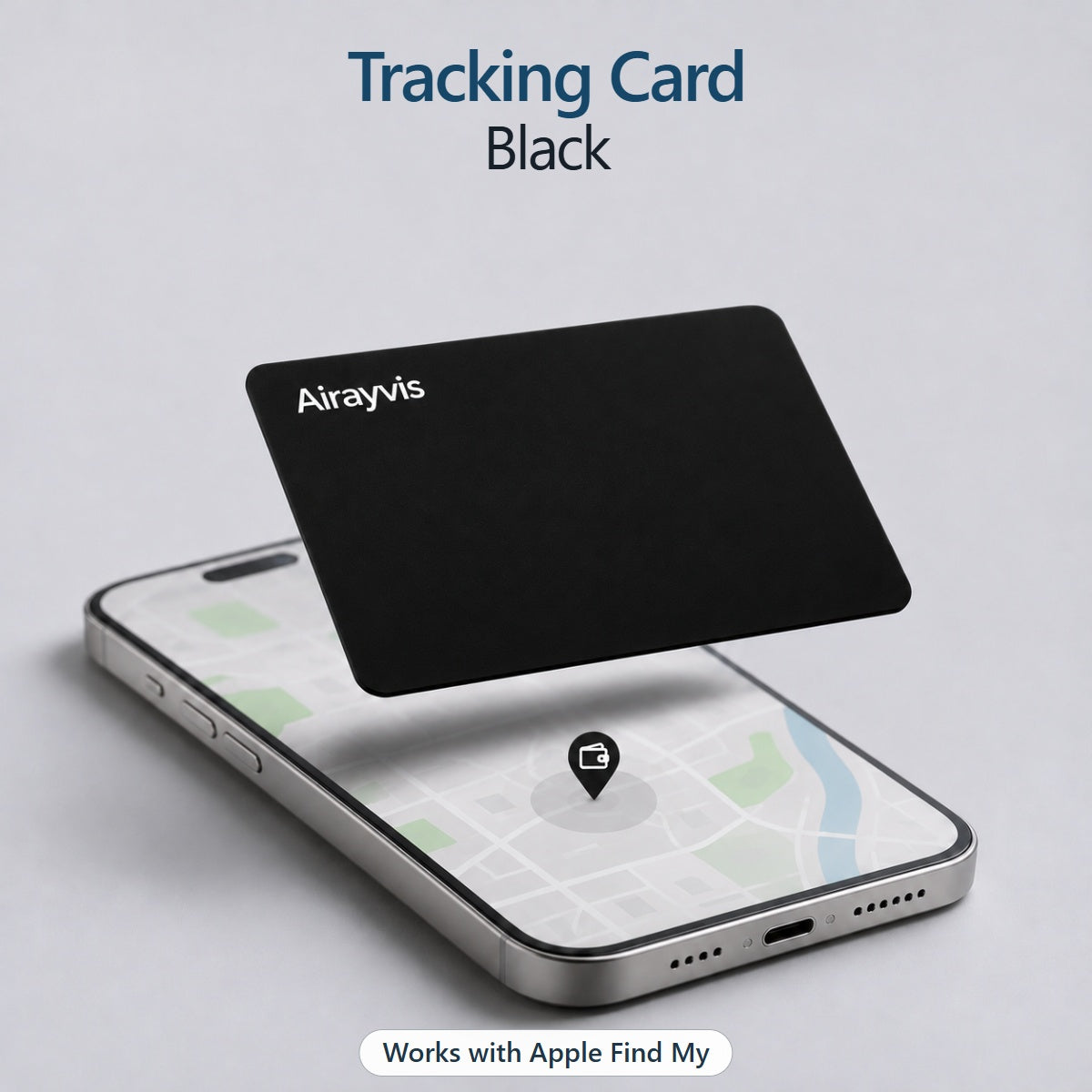



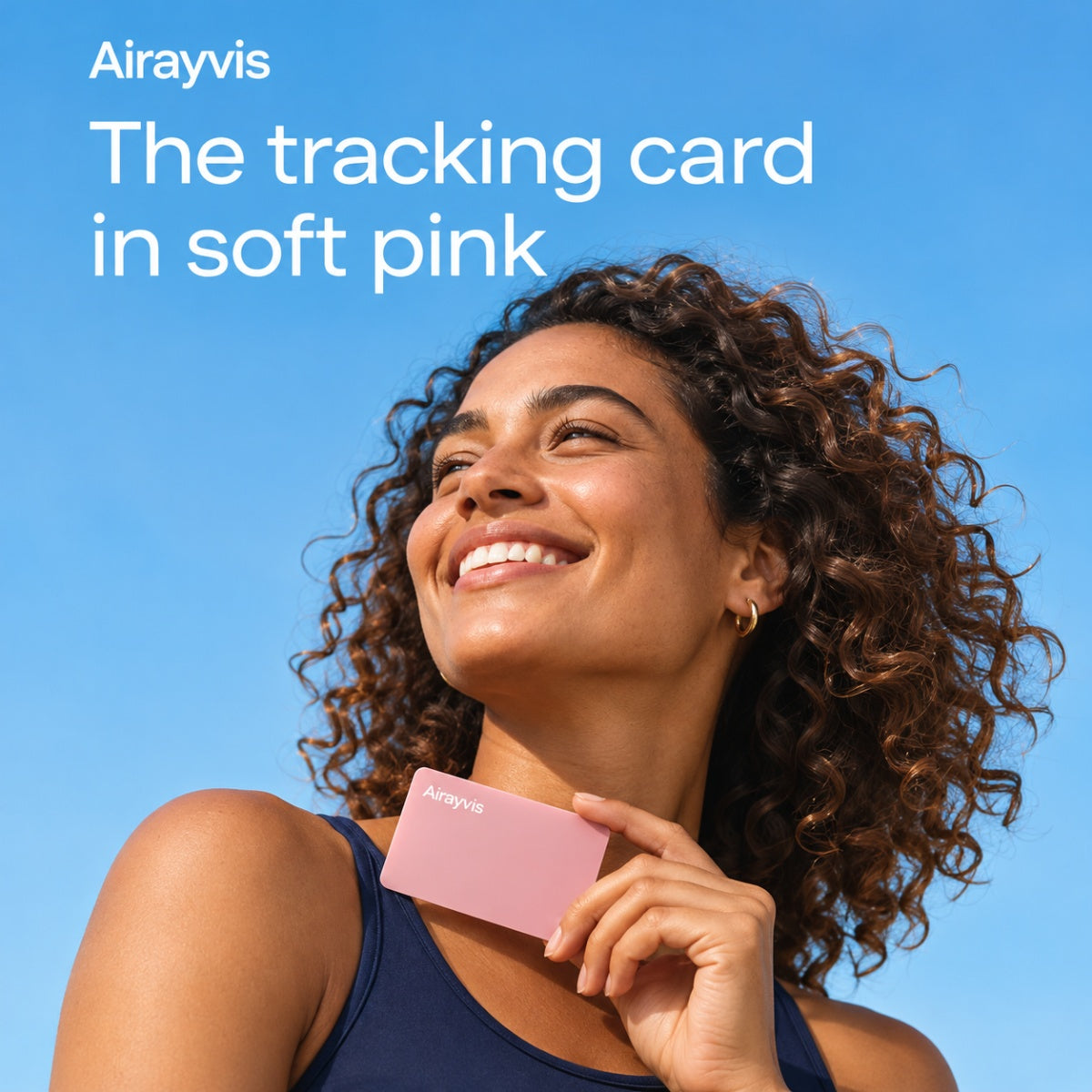
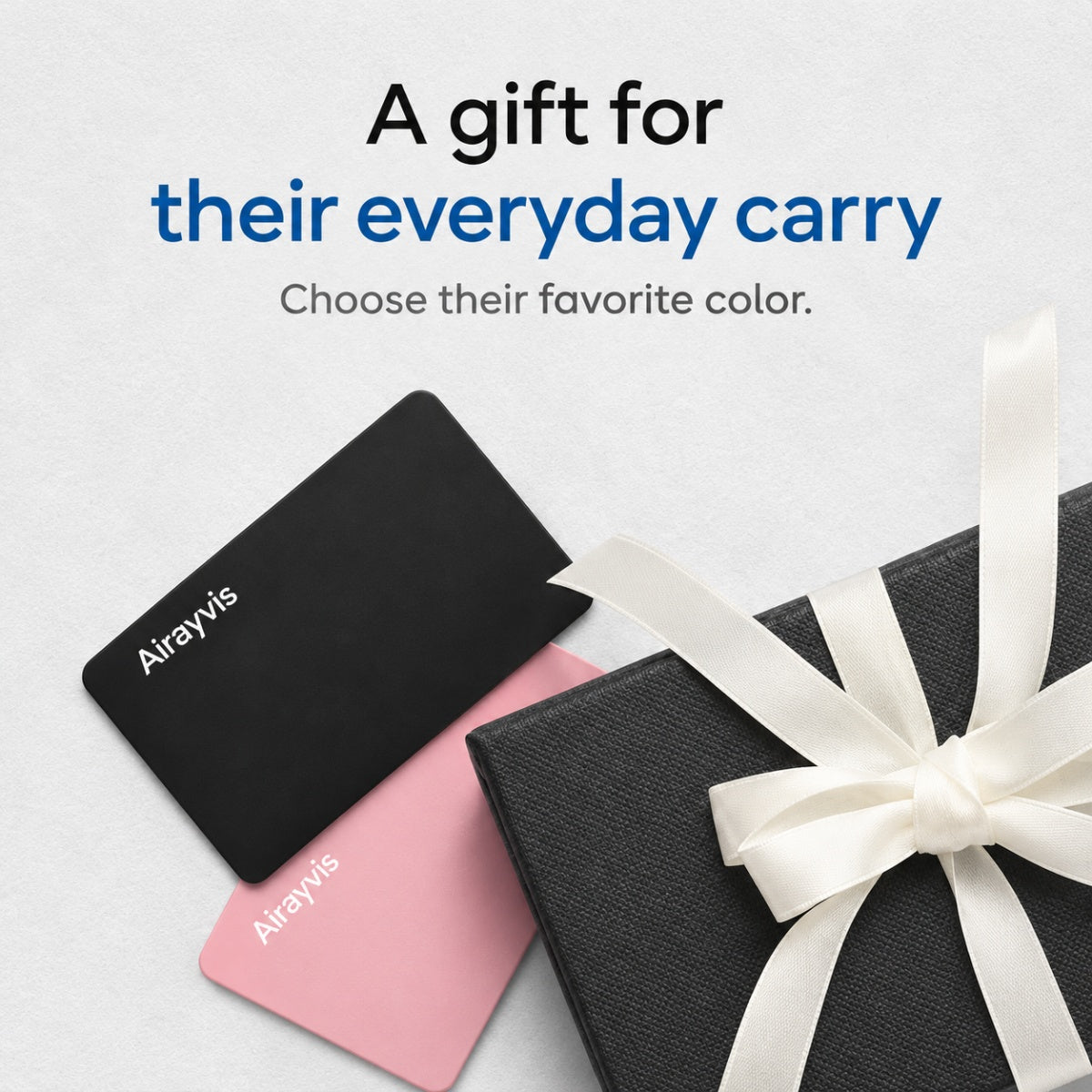
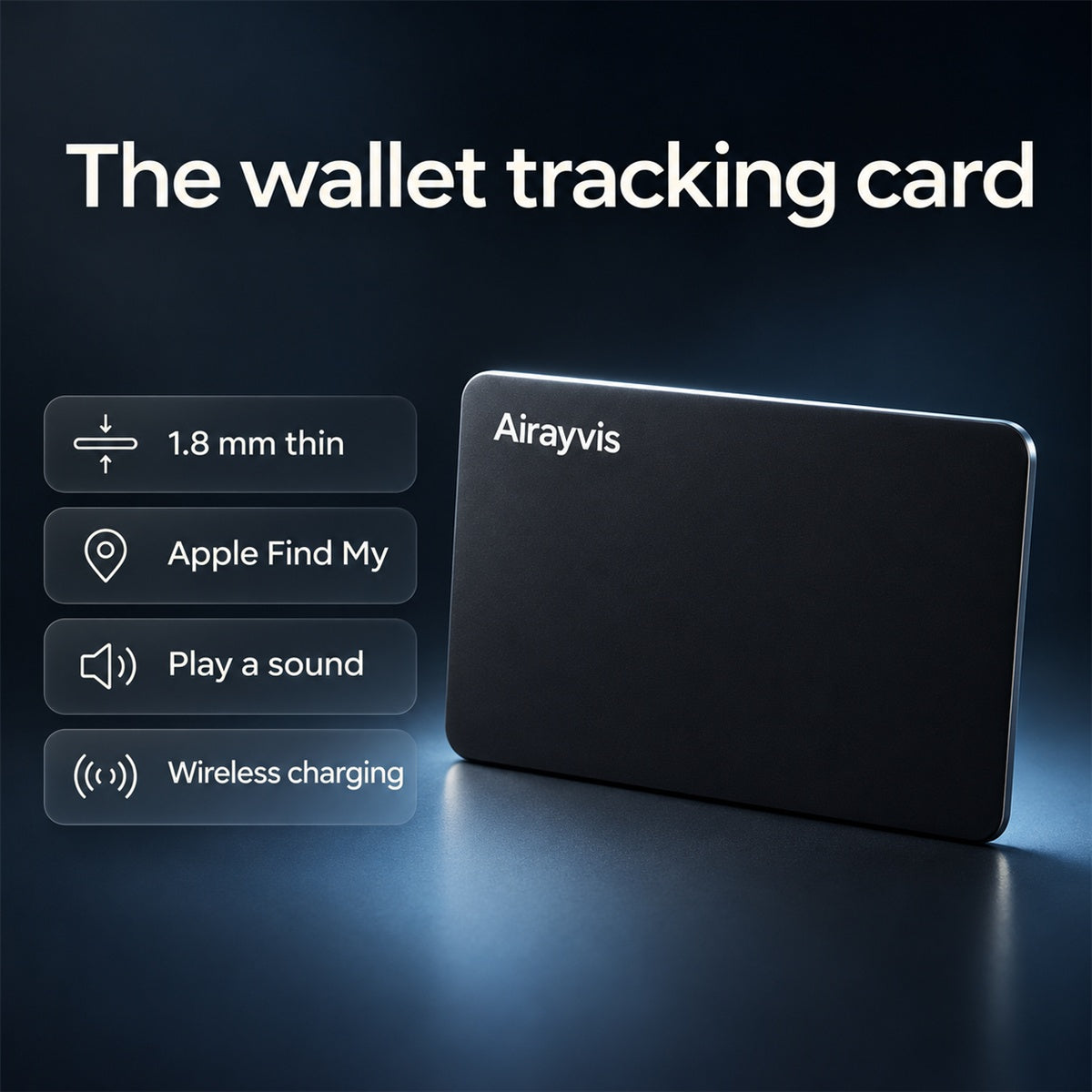


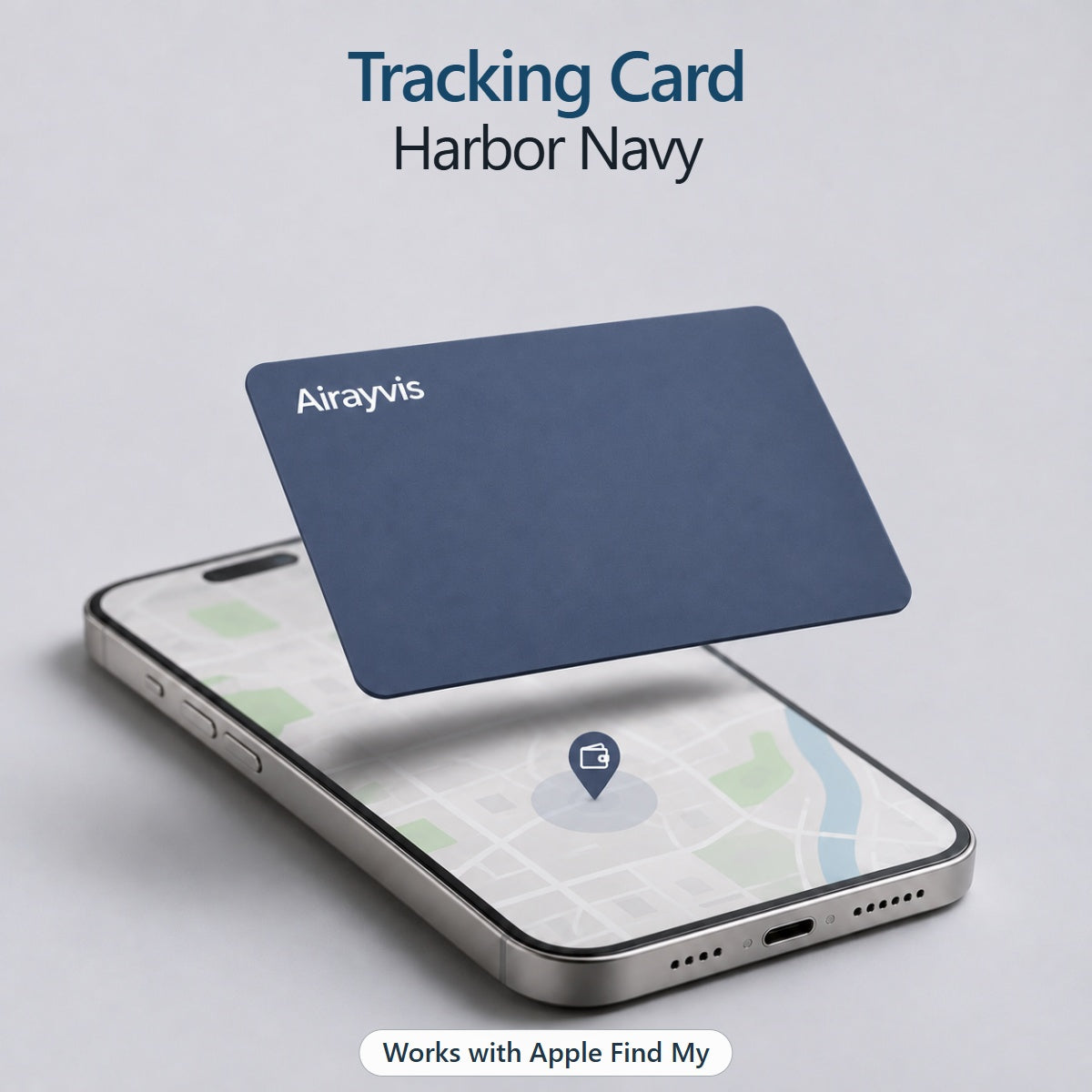
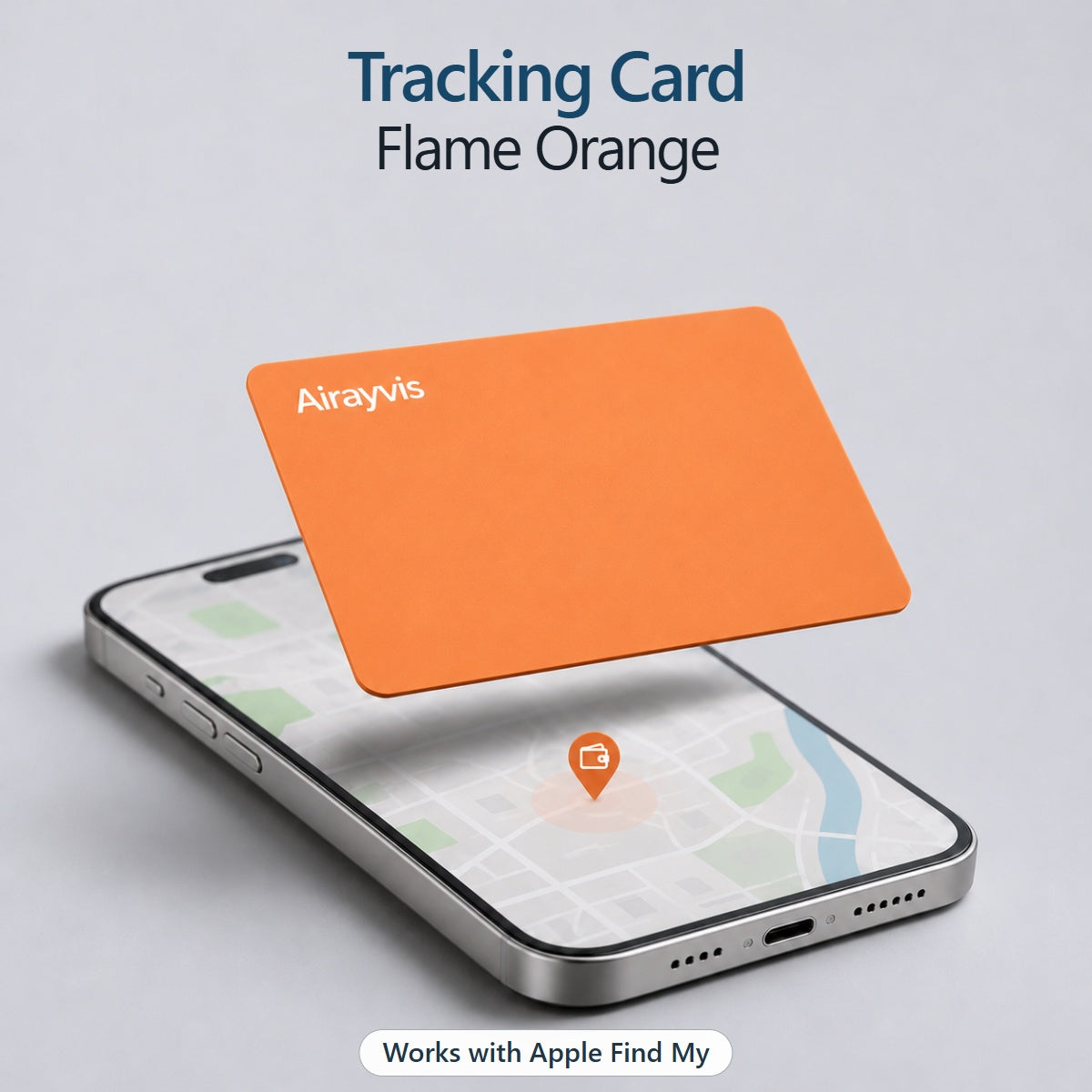
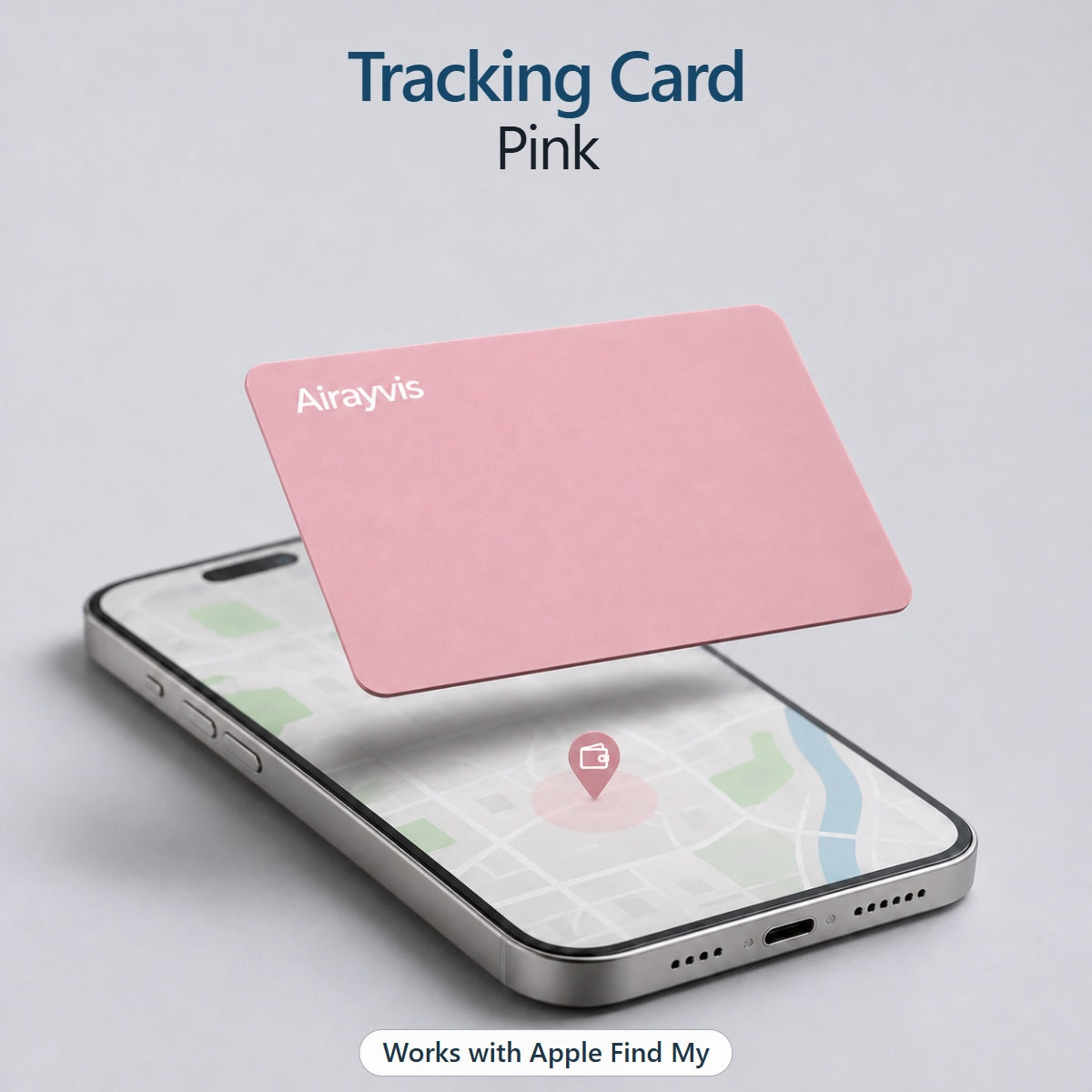
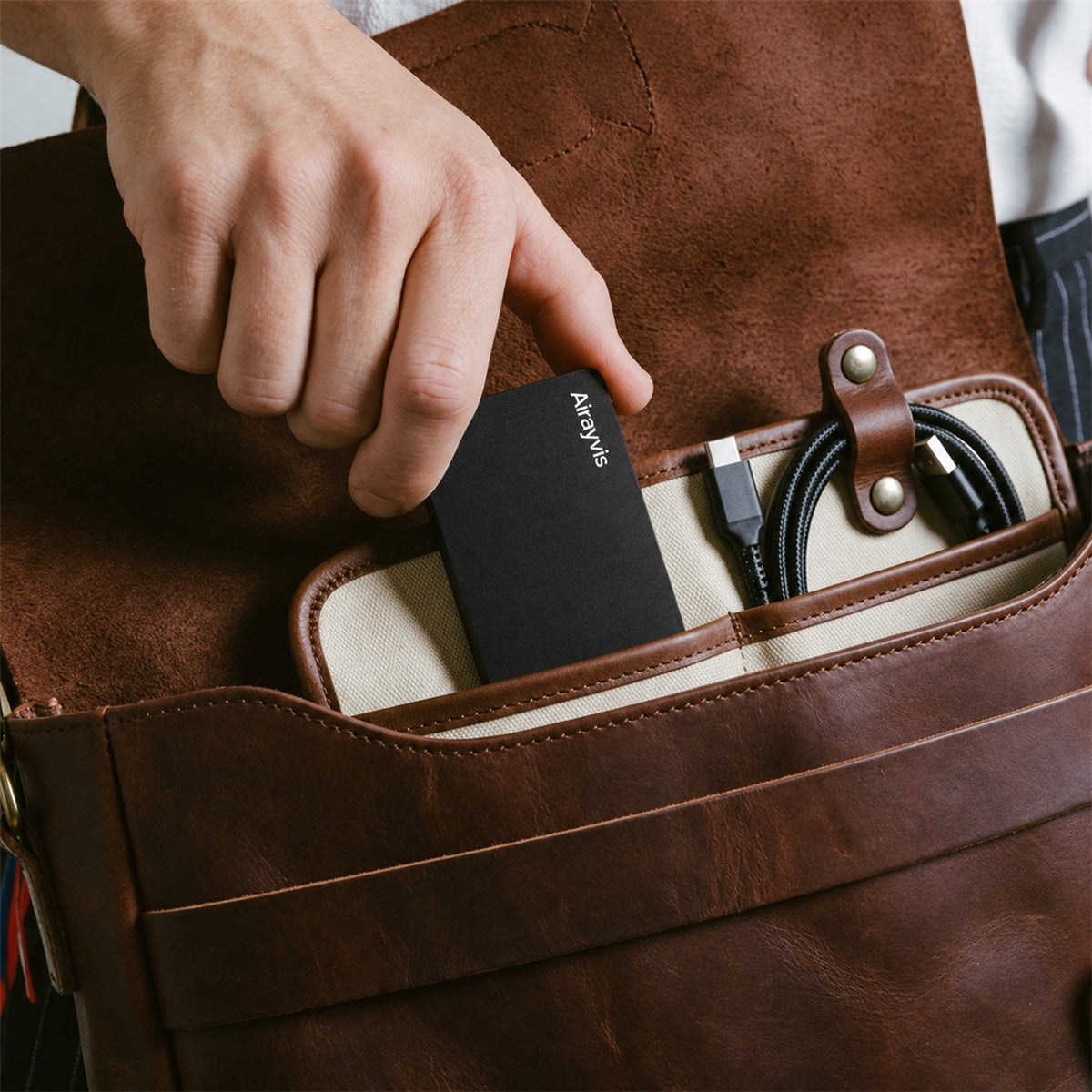
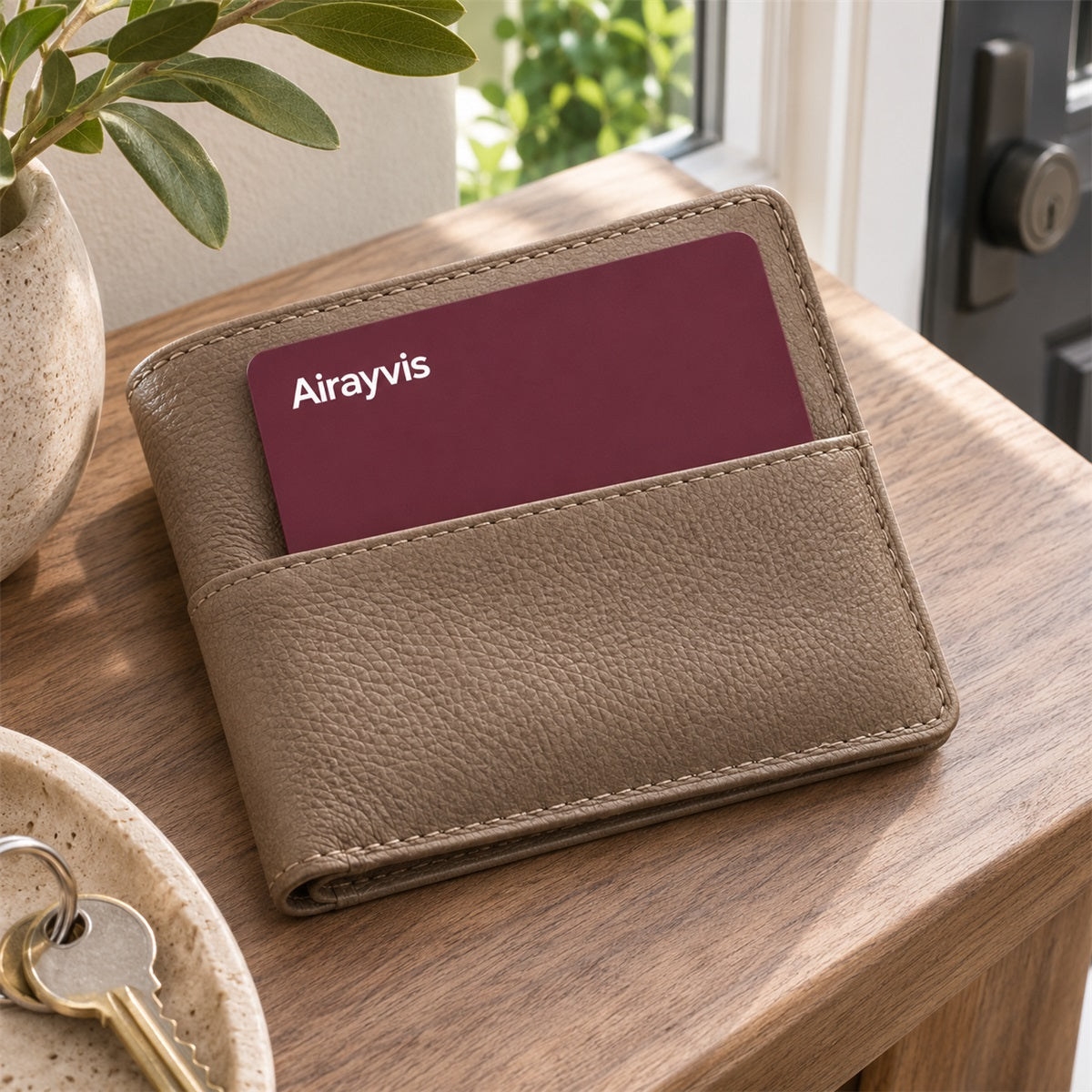

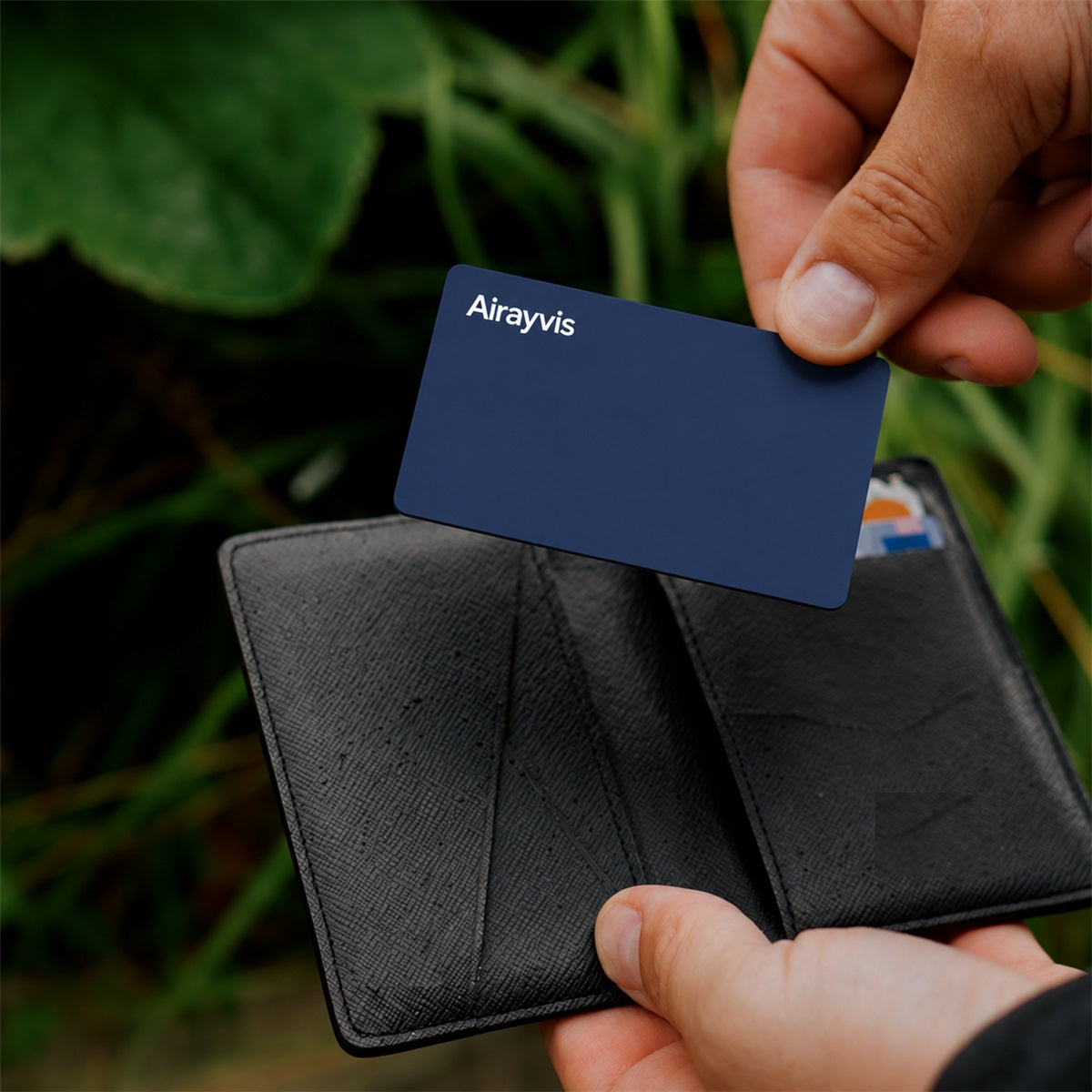
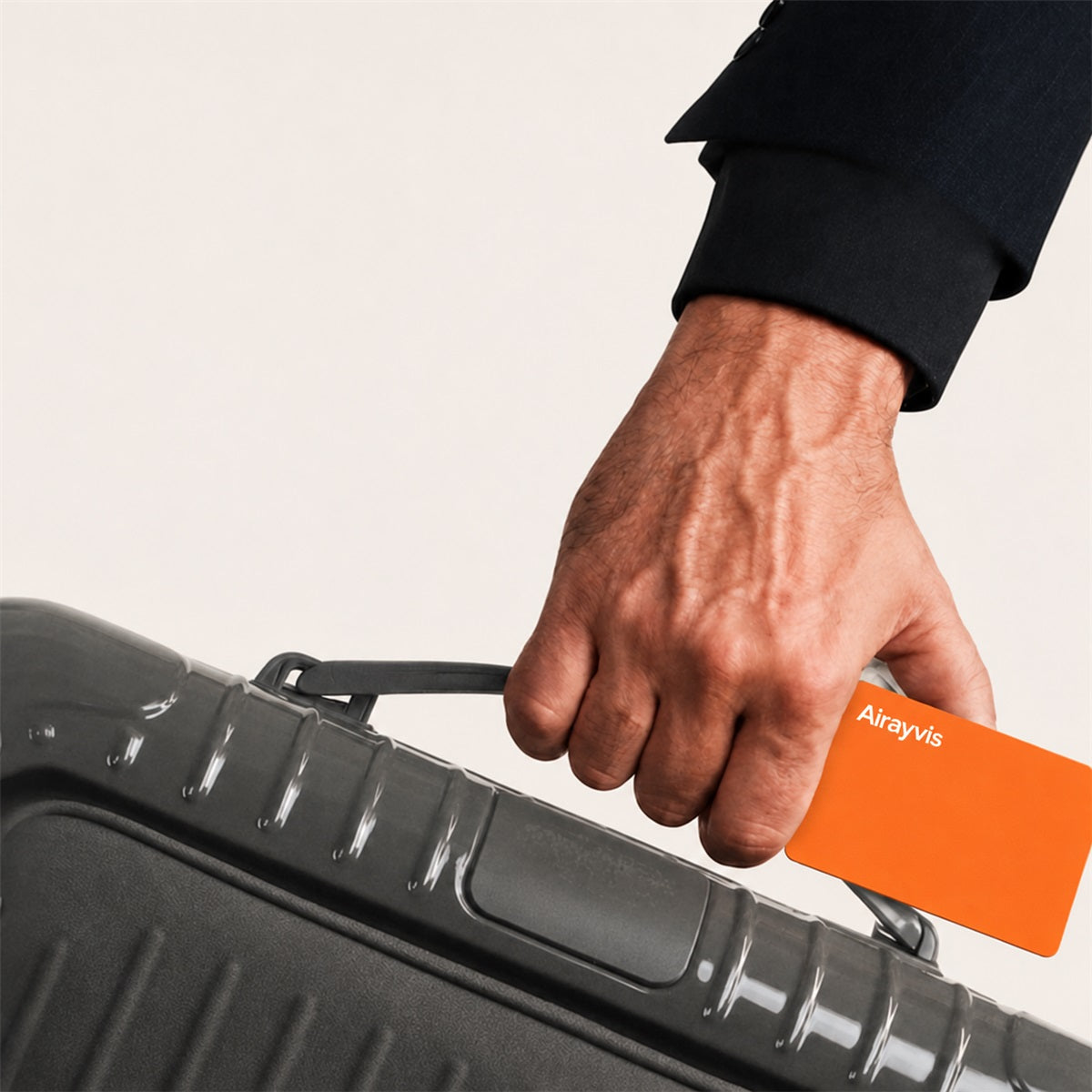
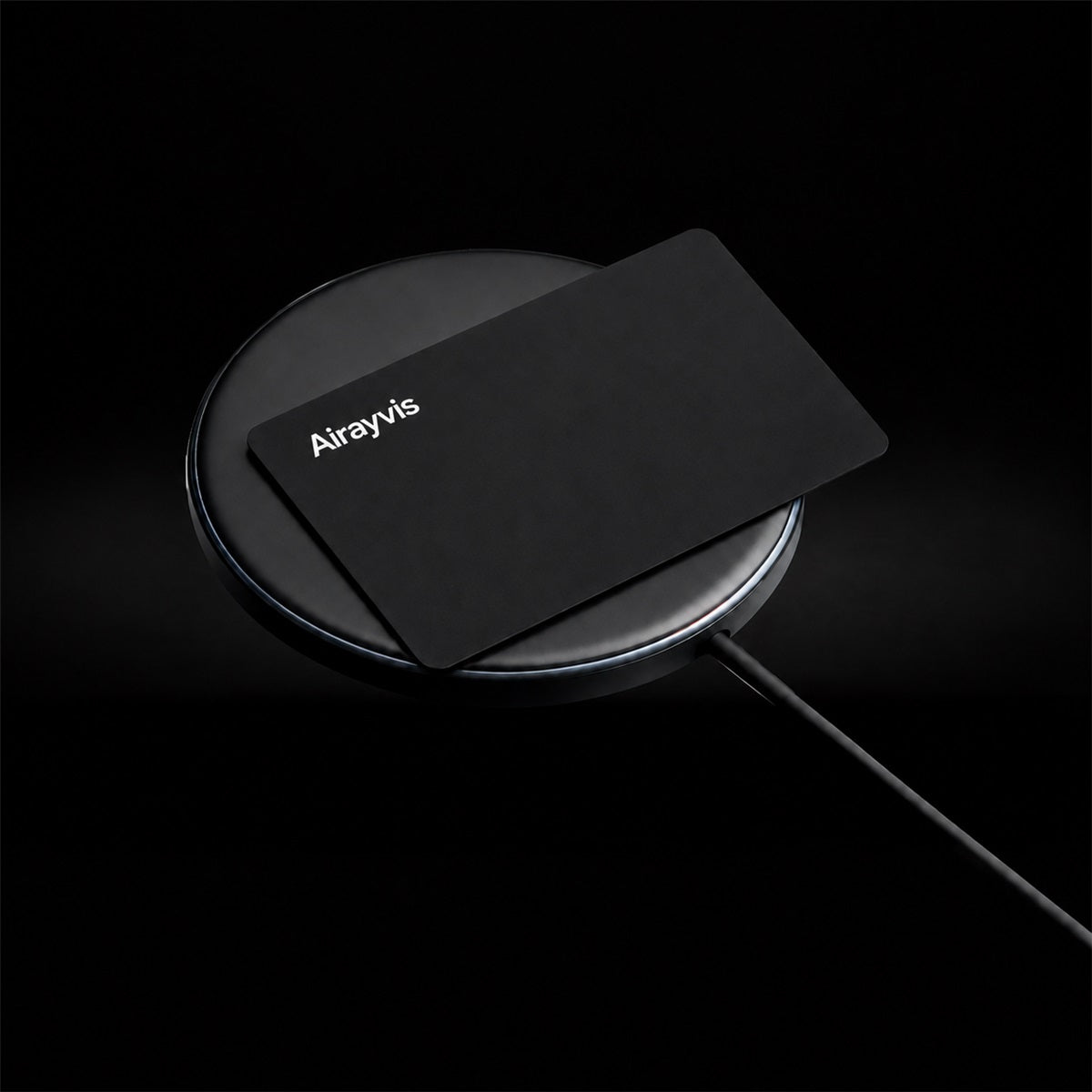

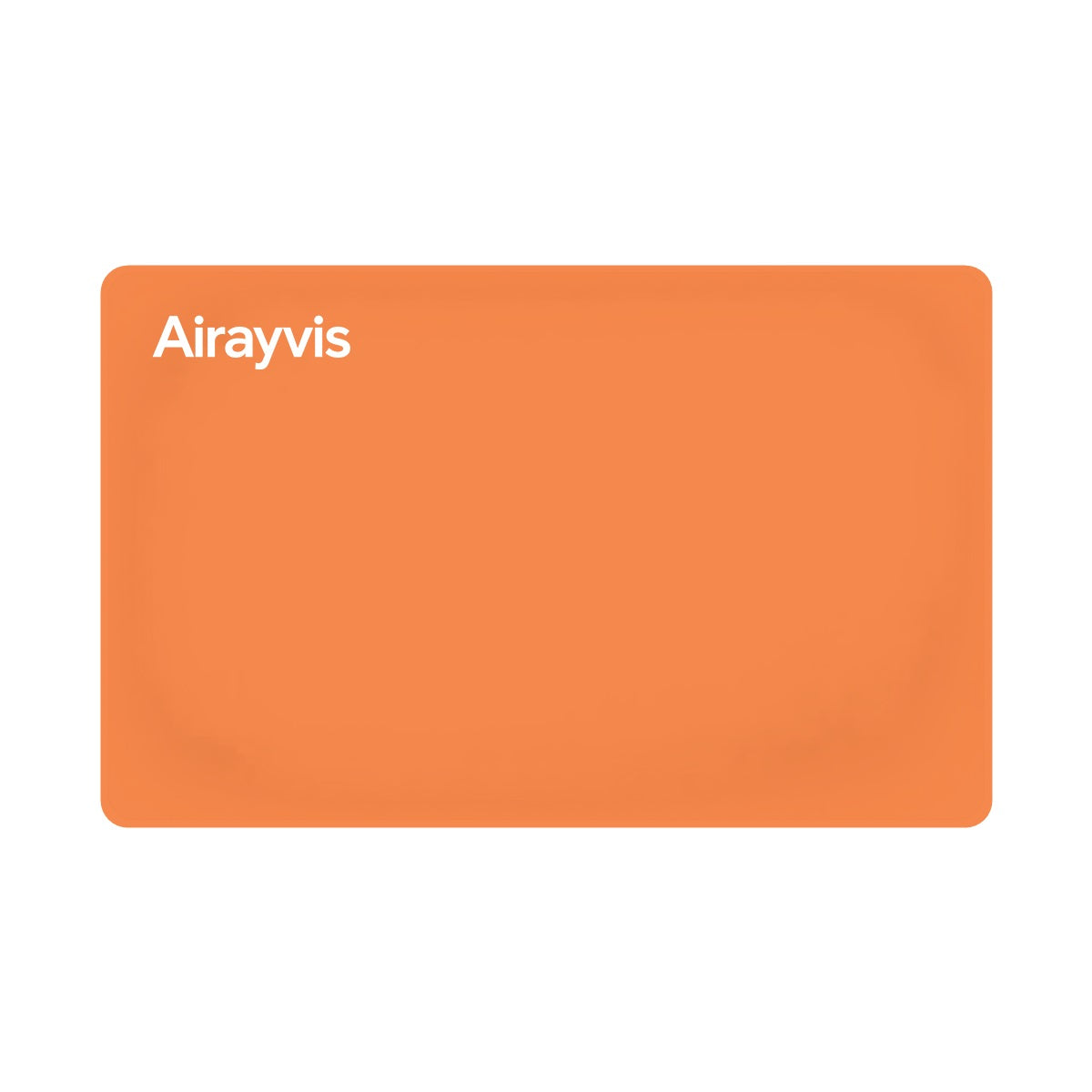
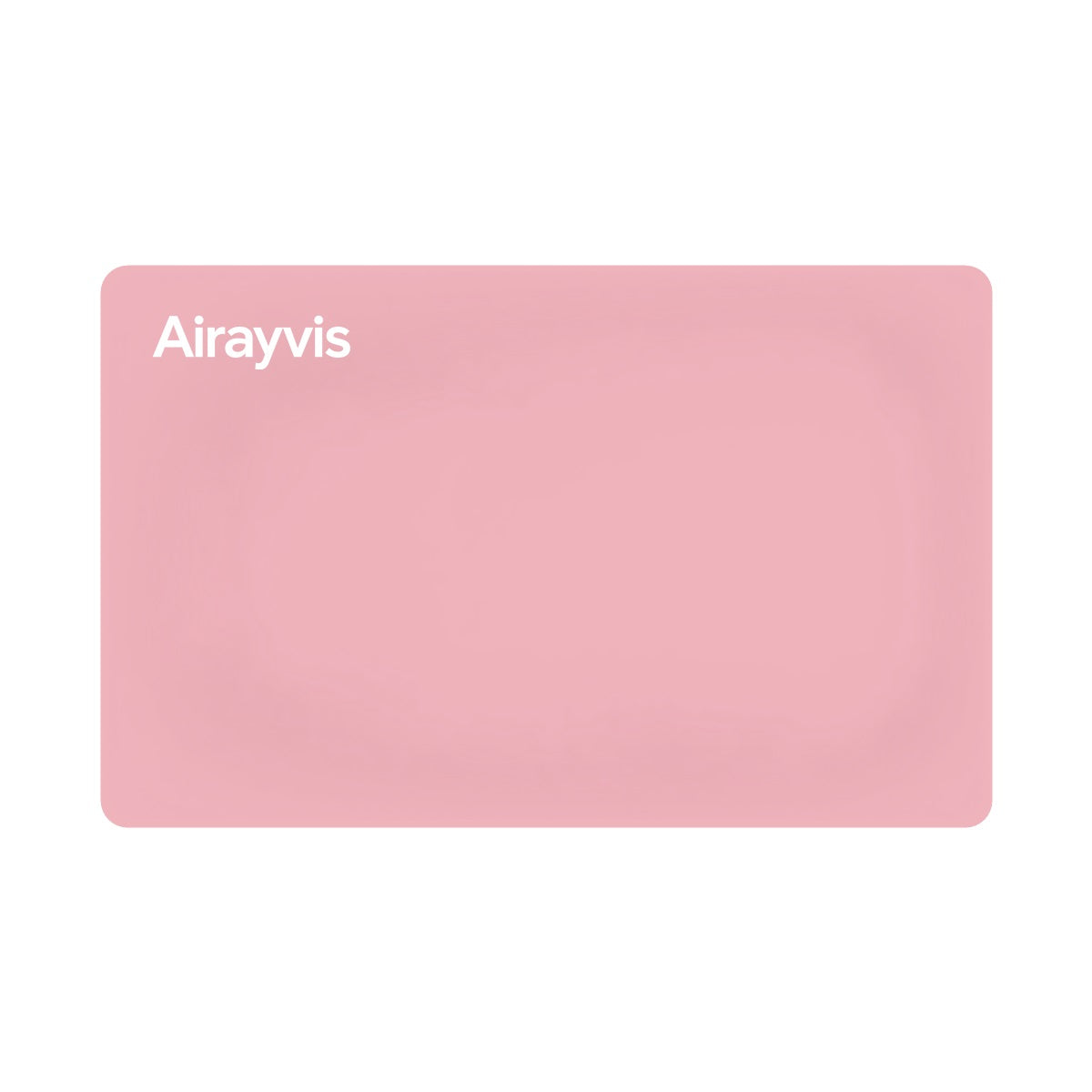
A rechargeable card for your wallet, passport holder or bag. Check its location in Apple Find My or play a sound when it’s nearby.
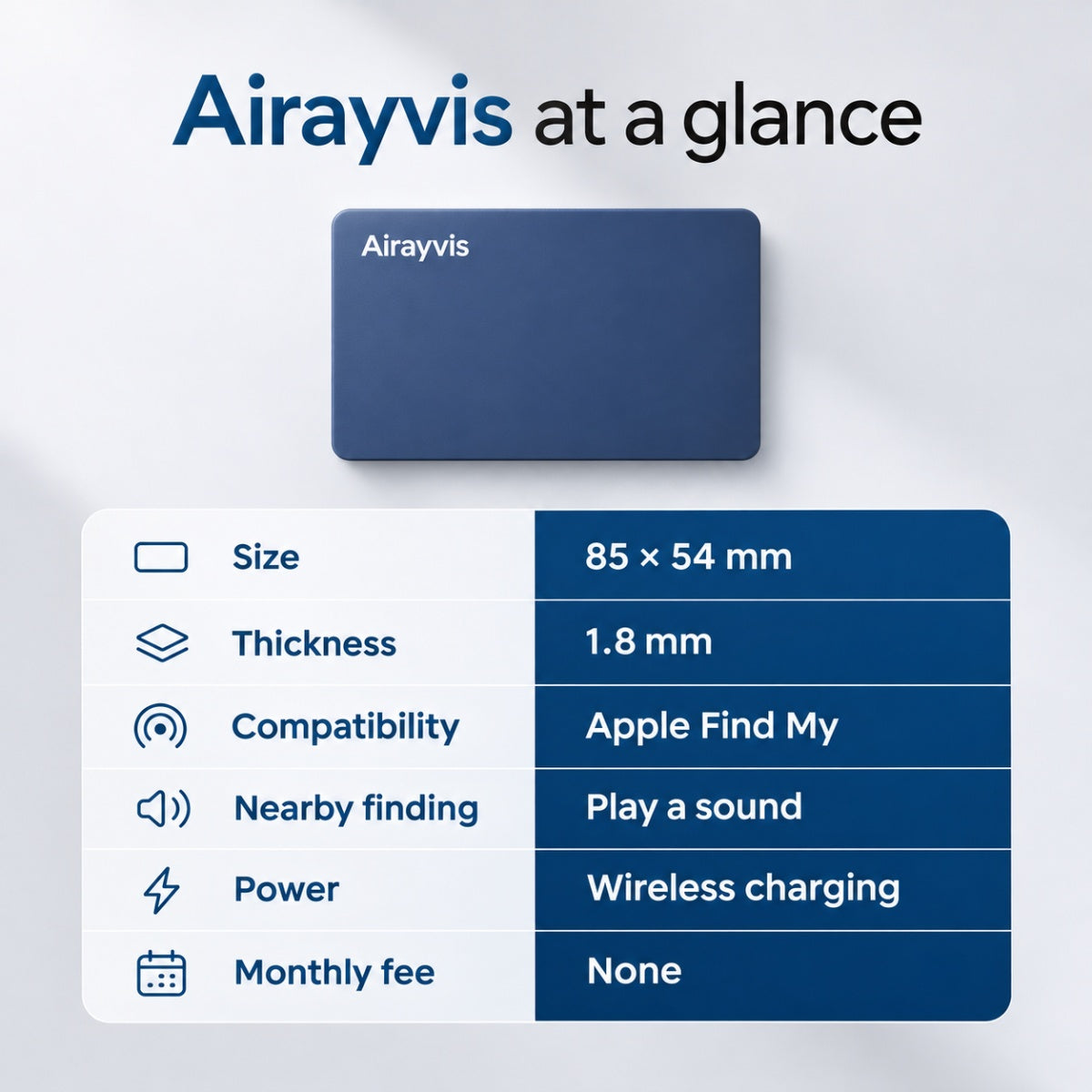
1.8 mm thin · Wireless charging · One card per orderRechargeable Wallet Tracking Card
Wallet fit
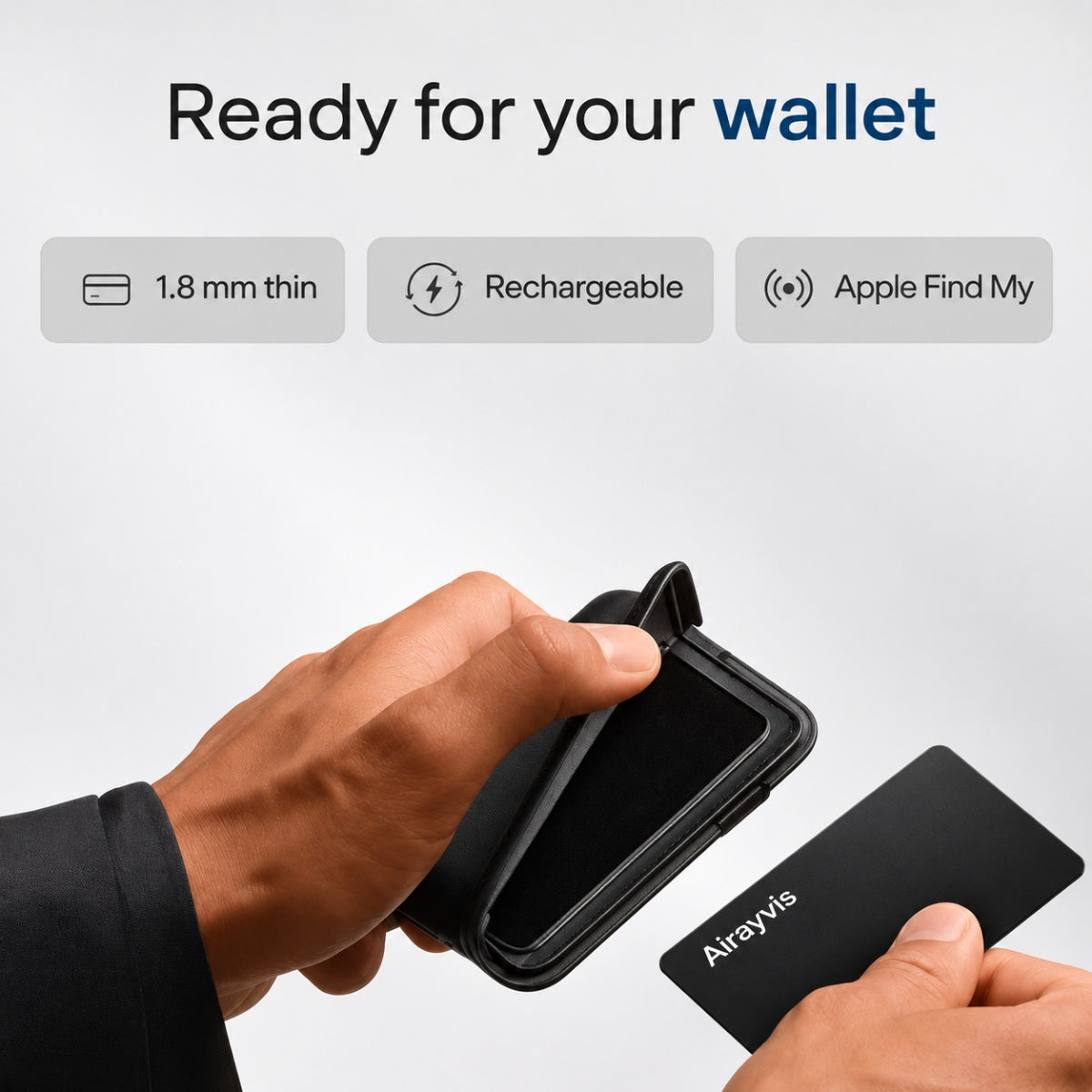
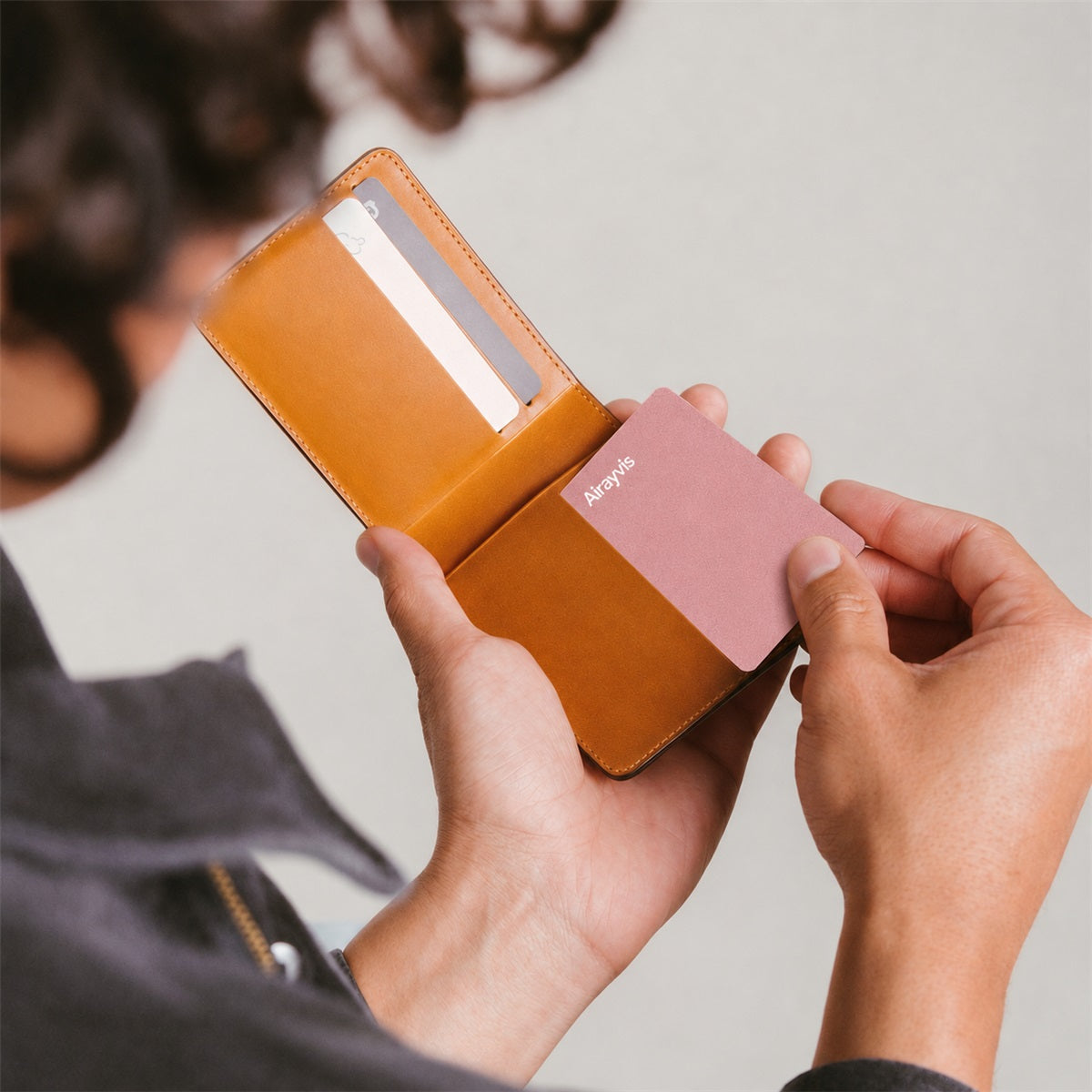
Slide the card behind your bank cards. If you leave your wallet behind, open Find My on your iPhone to see where it was last detected.
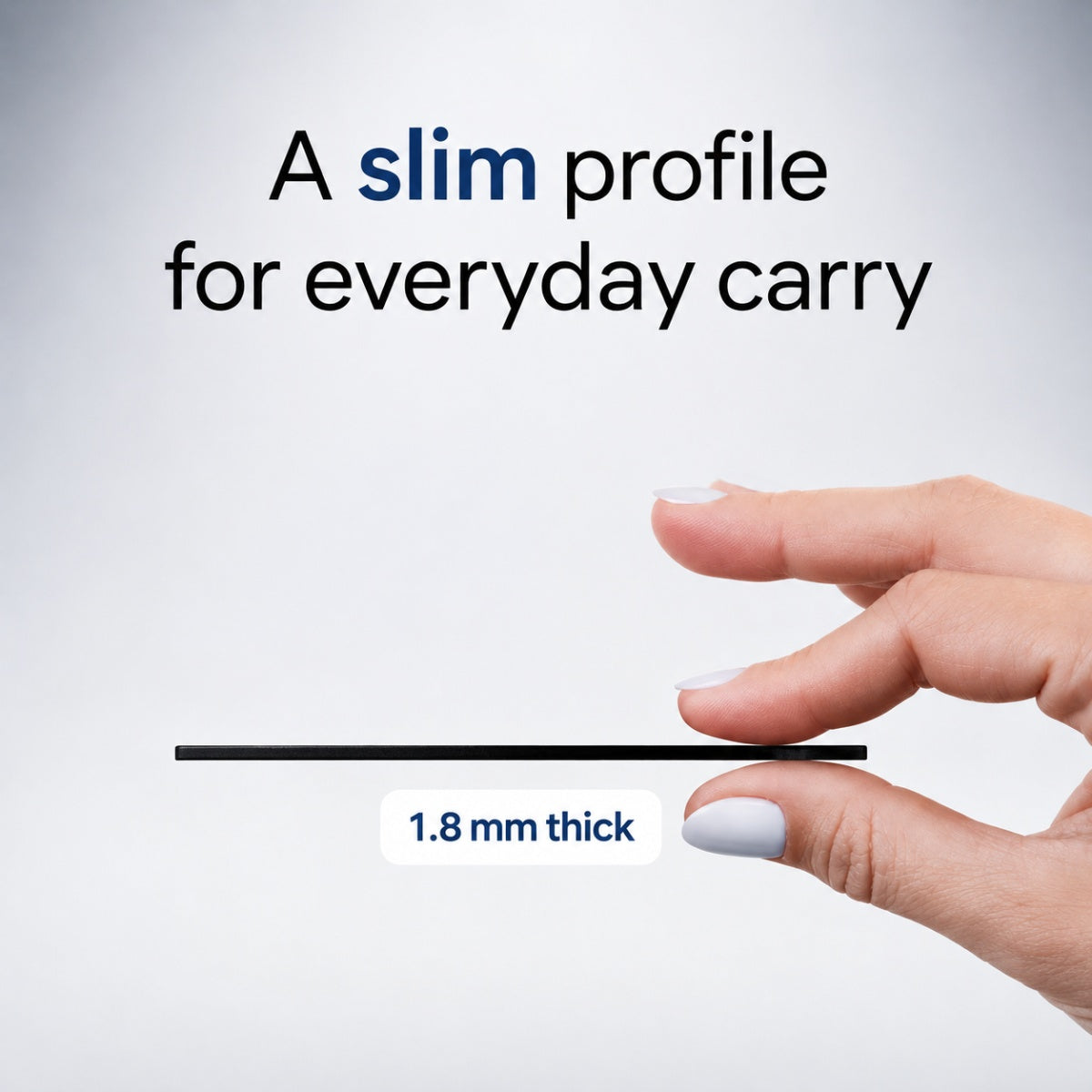
Allow 1.8 mm of depth in the pocket you plan to use. If your wallet already fits snugly, free up a slot first.


Choosing a tracker

A Find My walkthrough
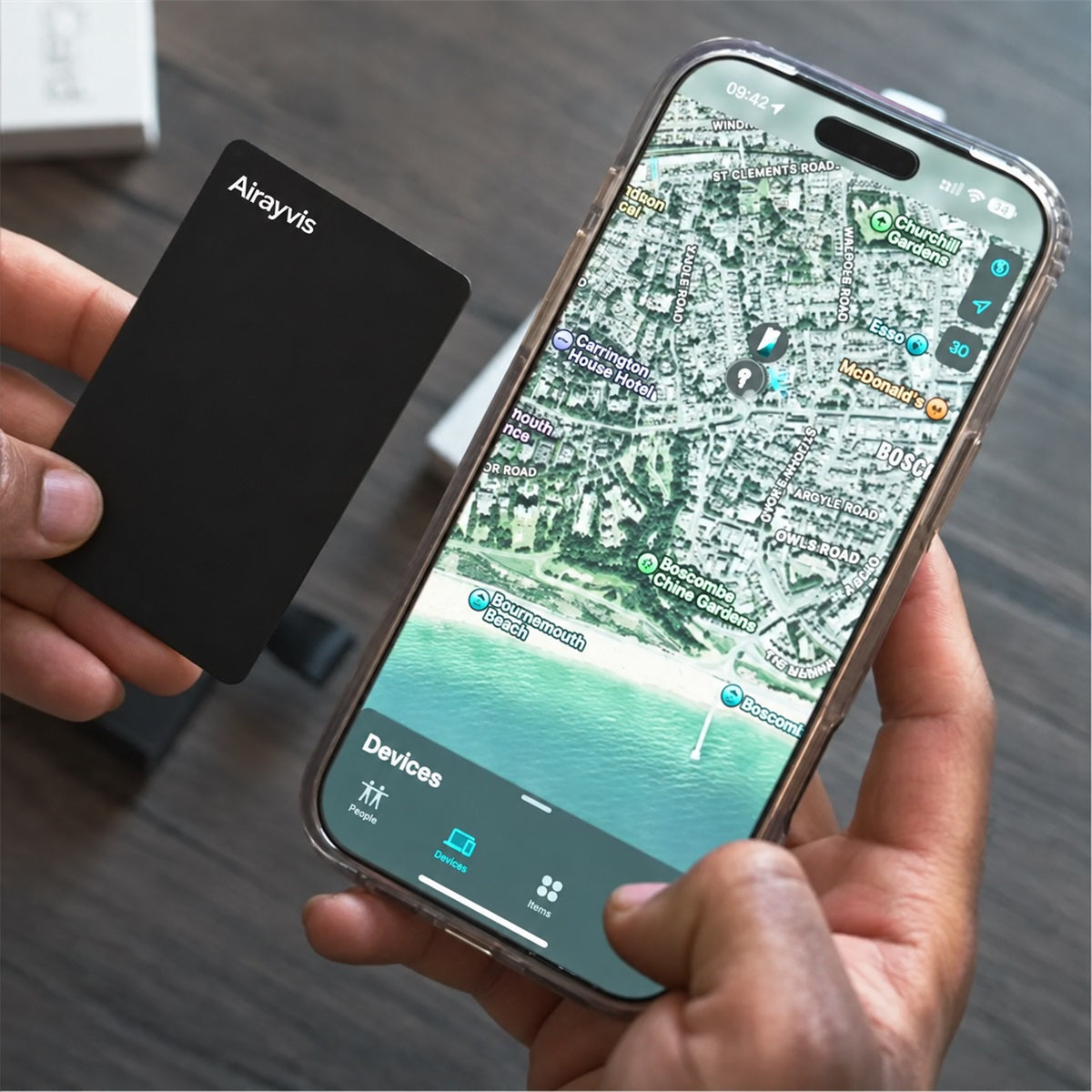
You notice it’s missing on the walk home. Open Find My → Items and choose your wallet. The time beside its name is your first clue.

If the pin is at the café, check when it was reported before heading back. An older pin shows where to start looking. Turn on Notify When Found if you’re waiting for another update.
Photo journal


Setup & care

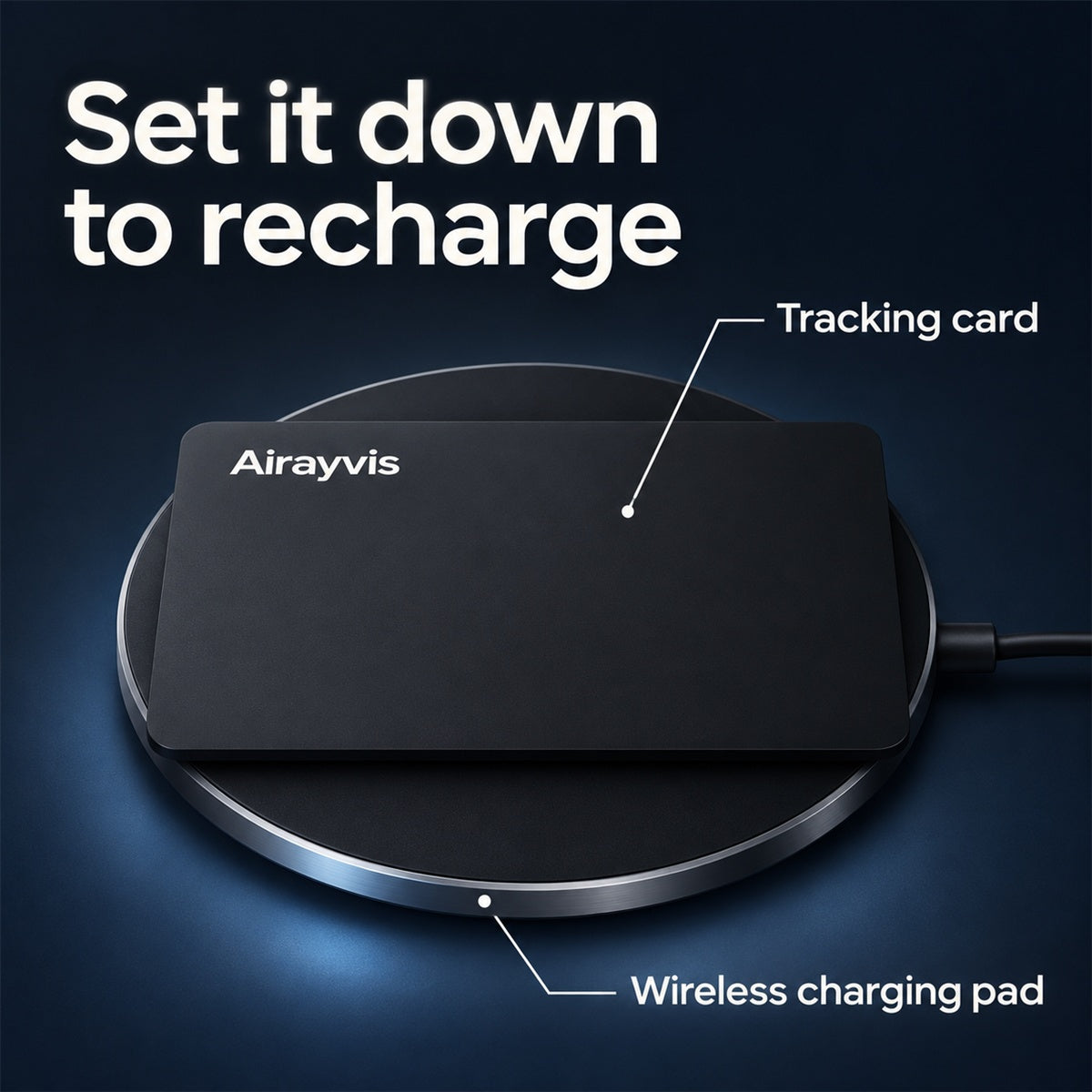
Take the card out of your wallet and lay it flat on a compatible wireless charging pad. A full charge can last up to eight months, depending on use.
Before you head out
Open Find My on the iPhone you paired with the card. Look for the card under Items.
Use a name like “Travel wallet” or “Camera bag.” If you carry two cards, you can tell them apart on the map.
With the card beside you, tap Play Sound. Once you hear the chime, slip it into the pocket you plan to use.

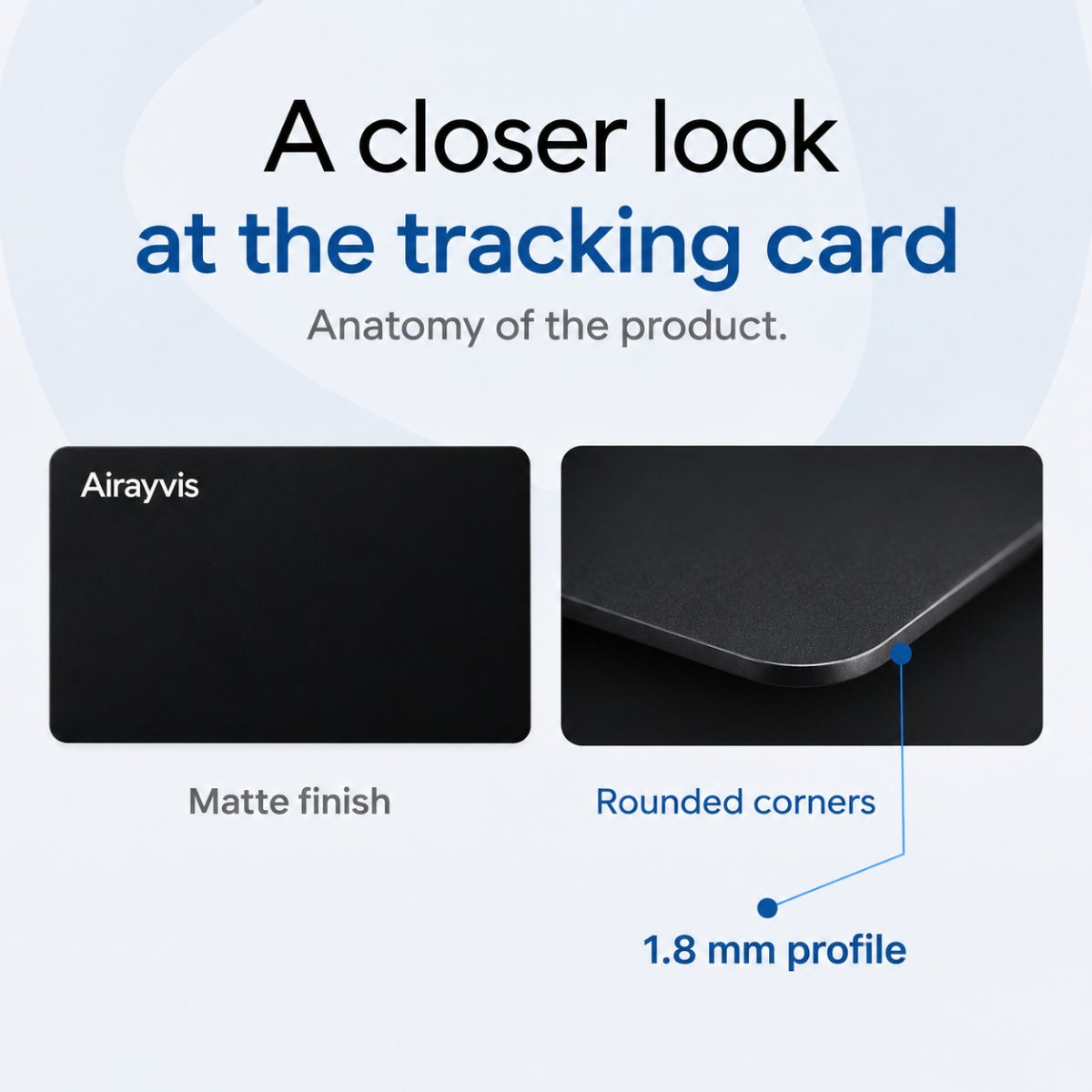
The card measures 85 × 54 mm, about the same size as a bank card. It’s 1.8 mm thick, so choose a slot with a little room, especially if your wallet is already full.
You can pair the card with a compatible iPhone using the built-in Find My app and your Apple Account. This model doesn’t support Android pairing.
Turn on the card and hold it near your iPhone. In Find My, open Items, tap +, and choose Add Other Item. Follow the prompts to name your card, then try Play Sound before putting it in your wallet.
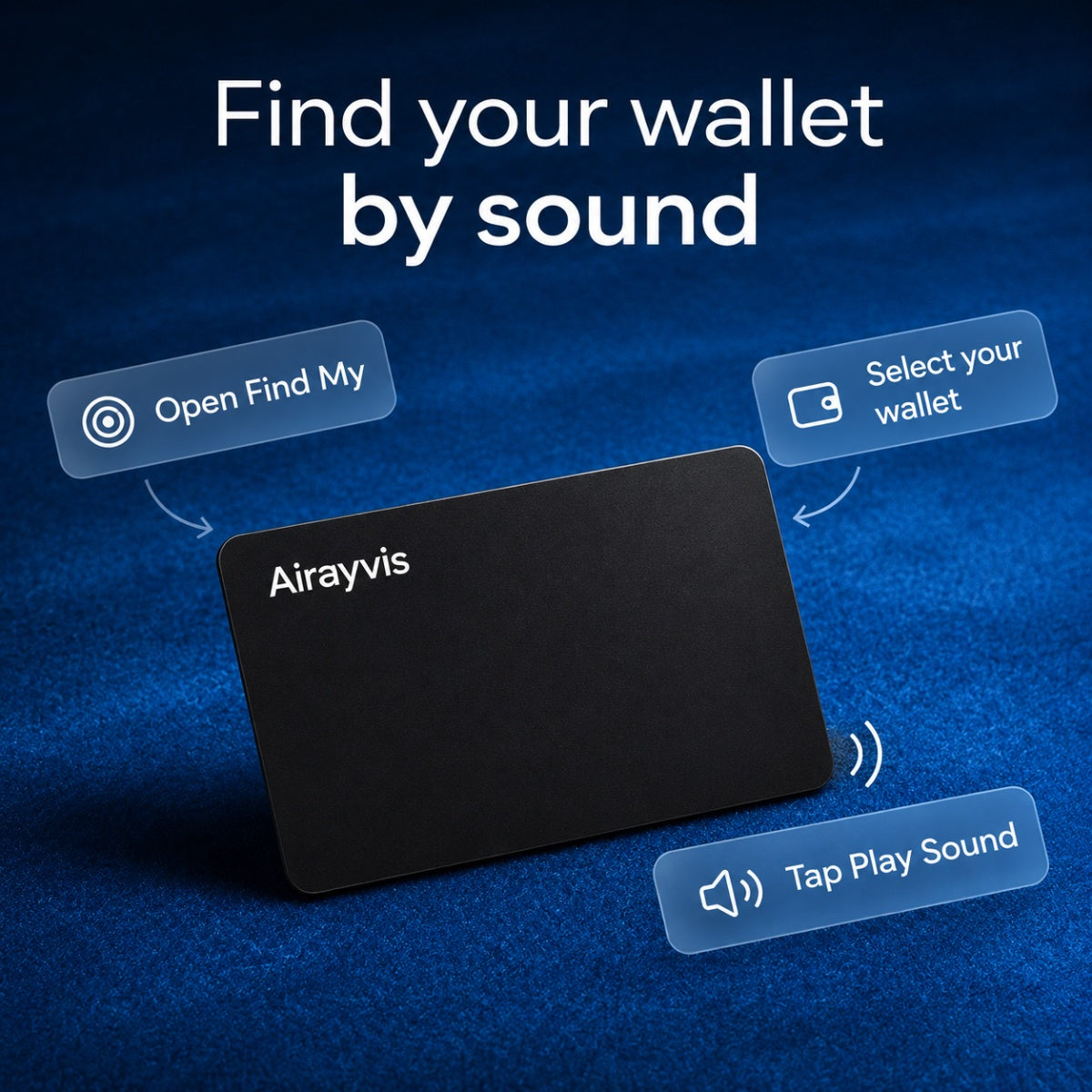
Open Items in Find My, select your wallet, and tap Play Sound. When the card is within Bluetooth range, it rings so you can follow the sound to a jacket pocket, a bag, or between the sofa cushions.
Select your wallet in Find My to see where and when it was last detected. The map updates when a participating Apple device detects the card. If you’re waiting for a new location, turn on Notify When Found.
Take the card out of your wallet and lay it flat on a compatible wireless charging pad. A full charge can last up to eight months, depending on use.
No. You can check the card’s location and play a sound through Apple Find My without a monthly fee.
Yes. Place one card in each item and pair them individually. Give them distinct names, such as “Wallet” and “Travel Bag,” so you can choose the right one in Find My.